
Back office for a new brokerage, set up before the first closing
A broker-owner opening an office has no spreadsheet to move yet. That makes it the easiest time to set up a back office: the plans, the roster and the checklist are written once, before the first file comes in.
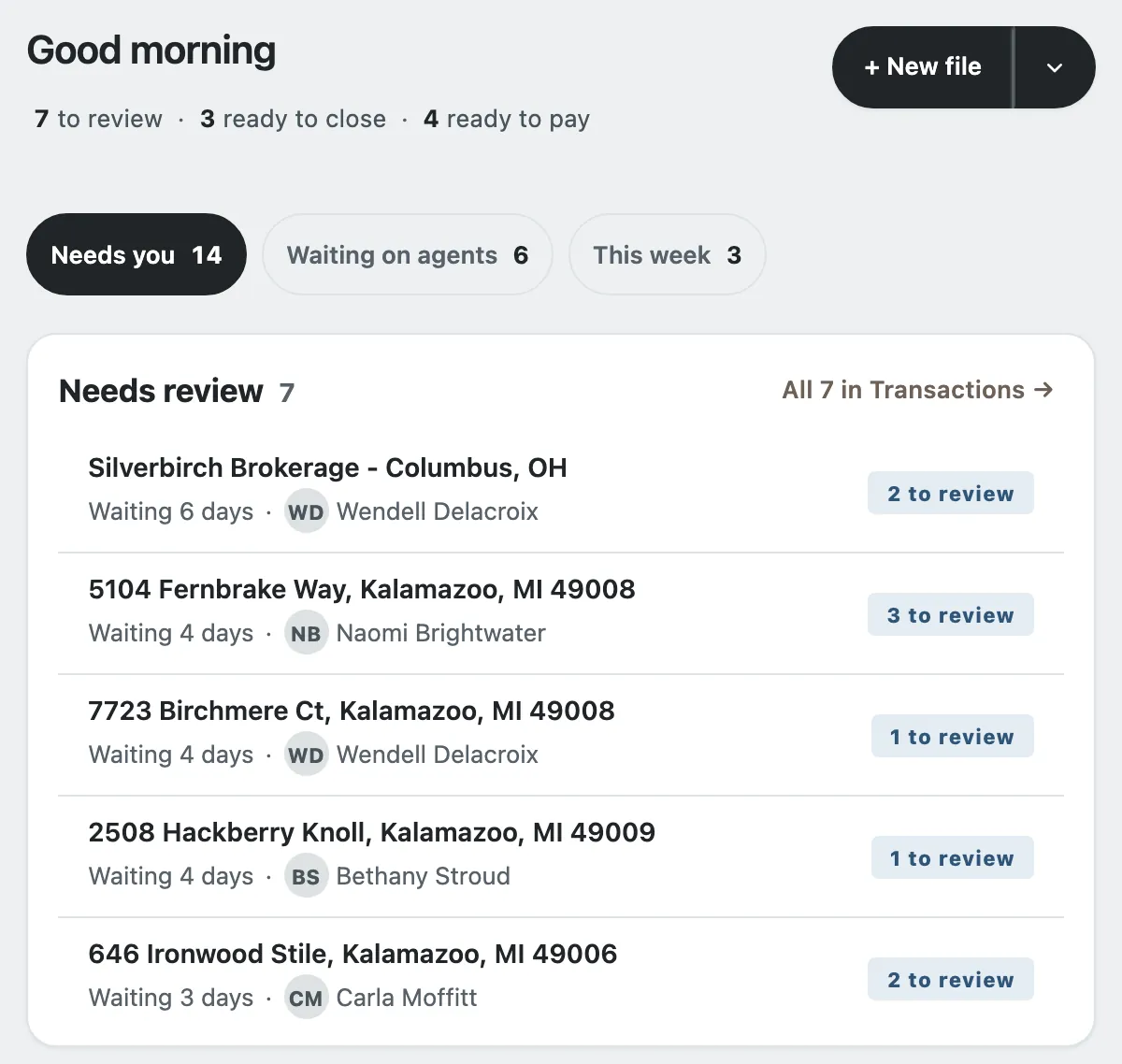
The screens on this page are the real product, running on an invented office.
The first months of a new brokerage go to agents' agreements, the office's accounts and its first listings. The back office tends to start as whatever is quickest, often a spreadsheet and a shared folder, and the first closing is where it is tested. With Deskwork the back office can be in place before that first closing, so the first statement is worked out the way every later one will be.
Start the office
Sign up with your brokerage's Google Workspace account or a Gmail address; no card is asked for. Name the brokerage as you would write it on a commission statement, and choose the web address your agents will use. That address cannot be changed later, so choose it with care. Setting the office up usually takes a minute or two. Then sign in at that address and claim the office. You become its broker-owner.
After that, Home names the one setup step still to do: add your commission plans, add your people, check your time zone and check email. A new office has no workbook to import, and starting a blank file counts as its first file. Google Drive, a commission sheet and your logo are optional, and the office runs without them.
Write the plans before the first agent joins
A plan says what each closing pays the agent and the office: a split with or without a cap, a fee-only plan, or tiers, each written out in plain words. Caps run on each agent's anniversary year. Flat monthly fees sit beside the plans, with what each agent has paid and still owes. Writing the plans while the office is small means every closing is worked out the same way from the first one. How to set agent commission plans walks through the choices, and how to track agent monthly desk fees covers the fees.
Add agents as they join
Add each person on the Roster with the address they will sign in with: your brokerage's Google Workspace account, or their personal Gmail address. The roster keeps each person's role, plan, cap, team, license and E&O date. Adding someone sends no email; invites go when you press Send invites. The steps for each new agent, from the plan to what they can see, are in the new agent checklist.
Every new office starts with email in Test mode. Until the broker-owner switches it to Live in Office settings, every message goes to the broker-owner's own address, so you see an invite or a statement before an agent does.
A checklist on every file from the start
A file is a listing, a buyer deal or a referral. Checklists is where the office edits the document checklists a new file is given. An agent drops the whole stack of documents on the file, each lands on its checklist line, and the office approves them line by line. What a listing needs that a buyer file does not is in listing checklist vs a buyer file.

Your first closing
At closing the broker types the final figures. Deskwork works out each share on the agent's plan and cap and shows a preview. Pay & archive issues the agent's statement and emails it. Deskwork does not move money or hold bank details: you pay agents from the brokerage's account, and your accountant keeps the books. The order to check that first closing is in how to reconcile commission at closing.
Questions brokers ask
We have no commission spreadsheet yet. Can we still start?
Yes. A new office can skip the workbook import: starting a blank file counts as its first file. If you keep a few past closings in a sheet, Deskwork lists them and files nothing until you say so.
Can we change the office's web address later?
No. The web address you choose at signup cannot be changed, so pick one your agents will recognize. It uses lower-case letters, numbers and hyphens, 3 to 23 characters, starting with a letter.
What does Deskwork cost a new brokerage?
An office you set up yourself through the signup page is free: every feature, every agent on your roster, no card and no trial clock. If we set up your office with you, what your brokerage pays is set out in our written agreement with you.
Try it on your own office
Set up a plan, file a deal and close it before you decide. An office you set up yourself through the signup page is free. If we set up your office with you, what your brokerage pays is set out in our written agreement with you. Read about pricing.
Sign up free Have us set it up
Guides for this job
- What Deskwork is and who it is for
- How to set agent commission plans
- New agent checklist for a brokerage
- Listing checklist vs a buyer file
- Transaction timeline calculator
More from Deskwork
- Real estate brokerage back office software
- Commission tracking software for brokerages
- Commission disbursement authorization (CDA) software
- Transaction closing checklist for brokerages
- Brokerage software that works with Google Sheets
- Small brokerage back office, for 1 to 25 agents
- Back office for real estate teams
- Commission statements for office managers
- Every solution page